

Construction Timeline Management Software
Sync is a construction timeline management software designed for contractors and construction teams who need clear visibility over project schedules, milestones, and progress. As timeline management software for construction, Sync brings project programmes, tasks, and delivery timelines together in one easy-to-use platform.
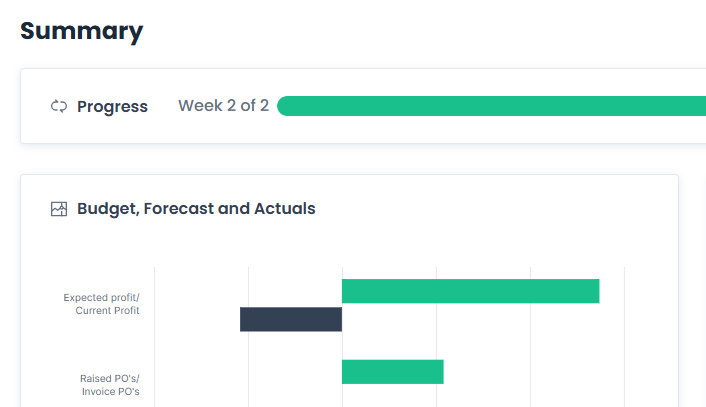

Timeline Management for Construction Projects
Construction timelines rarely stand still. Programmes shift, dependencies change, and progress is managed across multiple roles. Sync’s approach to construction timeline management supports the realities of live projects, whether you are running a single job or coordinating multiple sites.
As timeline management software for contractors, Sync helps teams centralise schedules, reduce miscommunication, and maintain visibility across project timelines. This makes it easier to plan work, track progress, and keep projects moving.
Timeline Management Software Designed with Contractors in Mind
Many contractors still manage project timelines using spreadsheets, emails, or disconnected tools. Sync is timeline management software built for how construction teams actually work, focusing on clarity, coordination, and ease of use rather than complexity.
No Hidden Fees
Sign up, select your tier and only pay for the users who need access.
Backed by industry professionals
Built for building contractors, general contractors, and specialist trades
Easy to Use, No steep learning curve
Sync supports day-to-day project management while remaining accessible to office teams, site managers, and commercial roles alike
Manage Construction Timelines with Sync Software
Sync is an all-in-one construction timeline management platform designed to help teams plan, track, and manage delivery with confidence.
Centralised timeline management across projects
Clear visibility of tasks, milestones, and progress
Linked project activities and delivery stages
Improved coordination between site and office teams
Reduced delays caused by unclear responsibilities
Role-based access so teams see relevant timelines only
Sync supports better programme control while remaining simple enough for day-to-day use.


Timeline Management for General Contractors
As construction timeline management software, Sync brings together project schedules, activities, and progress updates in one place. This helps contractors stay organised as project volumes and delivery demands increase.

Timeline Management for Project Managers
This allows project managers to identify delays early, manage dependencies more effectively, and keep stakeholders informed without relying on fragmented updates.

Timeline Management for Site Managers and Supervisors
This improves coordination on site, reduces confusion, and helps keep work moving in line with the programme.

Timeline Management for Commercial Teams
This helps teams understand the impact of delays, manage sequencing more effectively, and support better decision-making across projects.
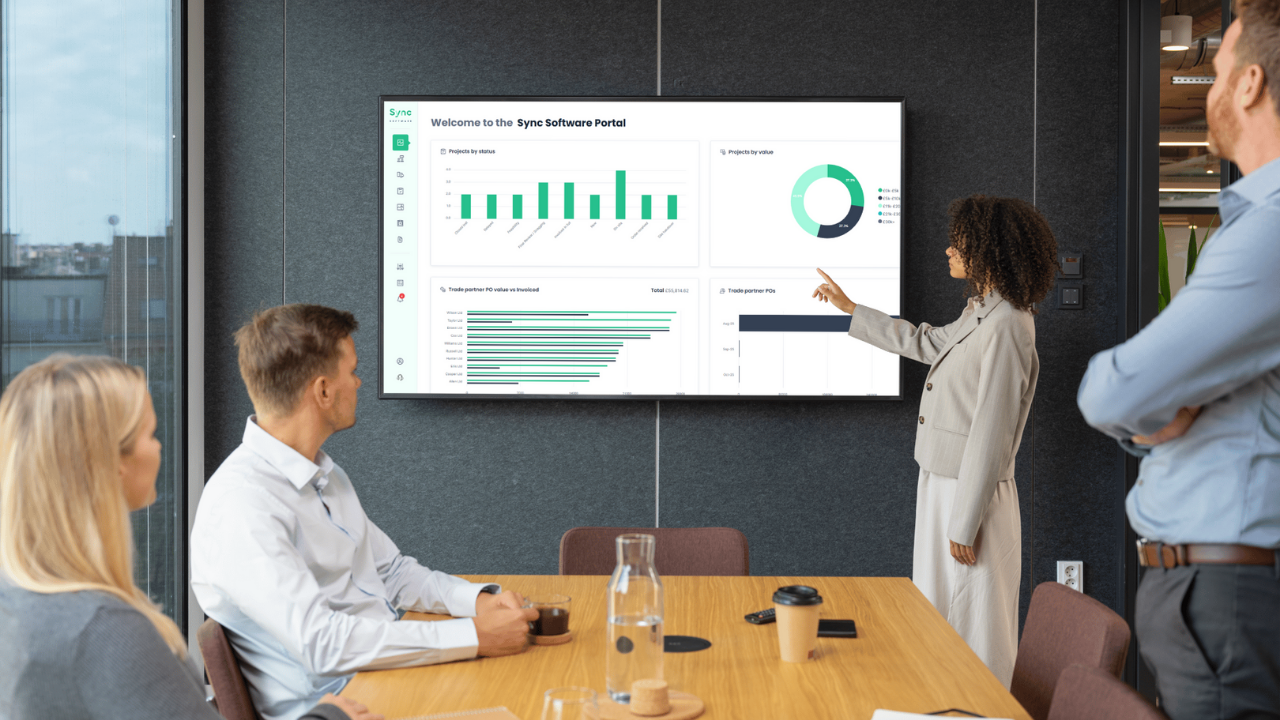
Timeline Management for Operations Teams
This improves resource planning, workload management, and overall delivery coordination.

Start your trial today
Why Choose Sync Software For Construction Timeline Management
Sync is designed around usability, not feature overload. Construction teams choose Sync because it makes timeline management clearer, more visible, and easier to manage.
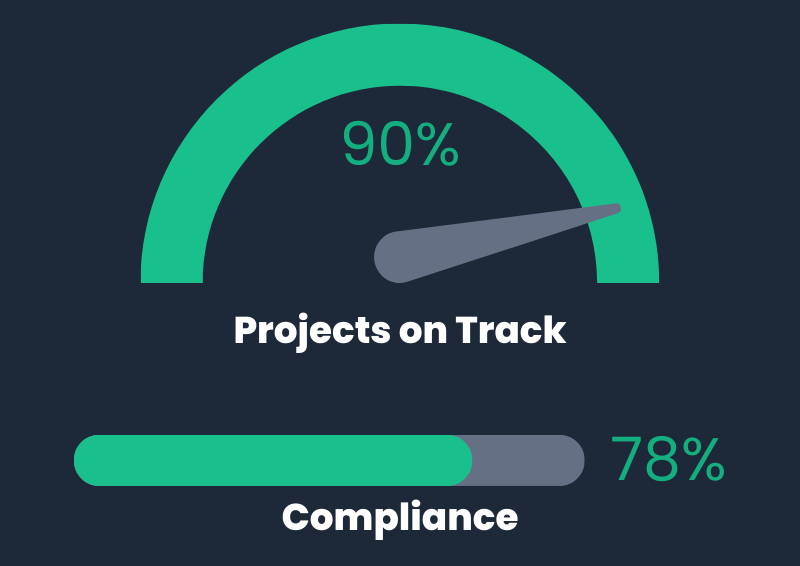
What sets Sync apart:
Built specifically for construction timeline management
Simple, intuitive interface teams actually use
Clear visibility over project schedules and progress
Supports both site and office workflows
Scales with your business without adding complexity
Sync helps contractors stay on track, aligned, and in control of project delivery.
Solutions for Streamlined Project Management
Sync brings together the tools contractors need to manage projects efficiently, all within one platform.
Project Management Software
A central hub for managing projects, people, documents, and activity. Sync’s project management software gives you clear oversight across every job, from setup through to completion.
Health & Safety
A central hub to manage health and safety documentation, supplier credentials, and project approvals. Compliance management software gives teams oversight across every job.
Delivery Management
Keep delivery on track by connecting tasks, suppliers, and documentation to each project. Sync helps teams manage workloads, responsibilities, and job progress more effectively.
Budget Management
Monitor committed costs, invoices, and overall spend against each project. Budget management in Sync supports better financial control and clearer reporting.




FAQ
What software do contractors use?
Contractors use construction management software to plan projects, manage teams, control costs, and track suppliers and subcontractors. The right software replaces disconnected spreadsheets and emails with a single system that shows what is happening across every project in real time.
What do contractors use for project management?
Contractors typically use project management software tailored to construction workflows. This includes tools for scheduling, document management, purchase orders, reporting, and financial visibility. Construction-specific platforms reduce admin and help teams stay focused on delivery rather than chasing information.
What is the purpose of a contractor management system?
A contractor management system helps businesses manage subcontractors, suppliers, compliance documents, and project involvement in one place. It improves visibility, reduces risk, and ensures only approved and compliant parties are engaged on projects. This is especially important for maintaining standards, meeting regulatory requirements, and protecting commercial margins.
What functions can you perform with Sync’s project management software?
With Sync, users can create and manage projects, track progress, manage customers, suppliers, and subcontractors, monitor costs, handle compliance, and generate clear reports. Everything is designed to give better visibility and reduce admin across the project lifecycle.